Time & date
Add a clock or date and give it your own look.
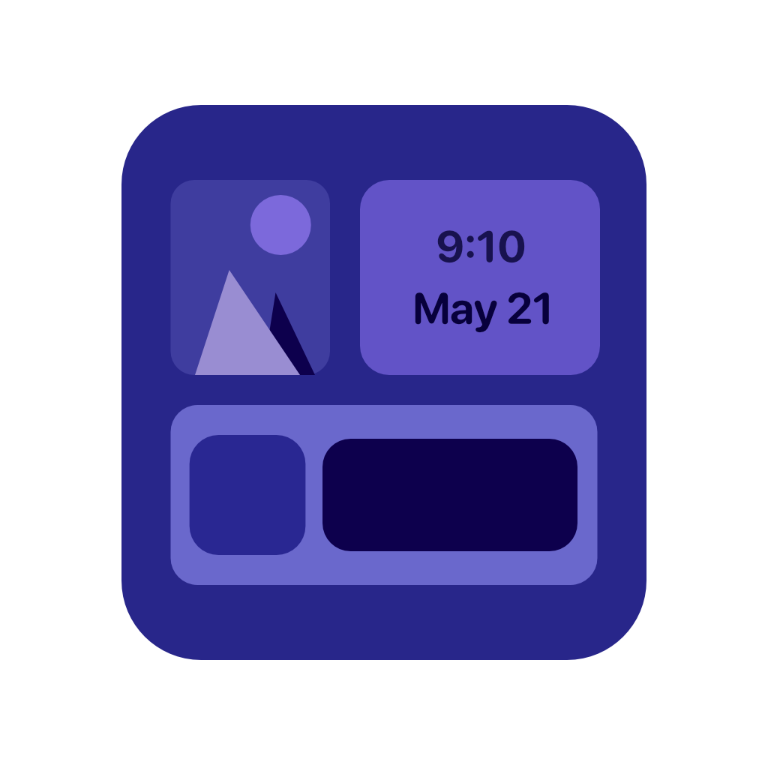 WidgetBlocks
 Turn the things you want to see into a widget you love. Mix time, dates, photos, and your agenda in a layout that feels like you.
Available on iOS, iPadOS, and macOS.
Start with the essentials
Build your widget one component at a time.
Add a clock or date and give it your own look.
Bring a favorite moment into your layout with a photo you choose.
Keep upcoming calendar events and incomplete reminders close by, with your permission.
Make it yours
Move and resize your components. Choose fonts, colors, and a background. Save your design, then select it in a WidgetBlocks widget.
Personal means personal
No accounts. No ads. No tracking. WidgetBlocks works on your device and does not collect your personal data.
Read the privacy policyA little help
Create a design in WidgetBlocks and tap Save. Add a WidgetBlocks widget using your device’s widget gallery, then edit the widget to choose your saved design. You can also open the installation guide on your design’s card in the app.
Only if you want those components. You can use clocks, dates, and photos without granting calendar or reminder access, and you can change permissions in your device’s Settings.
Need a hand? Contact WidgetBlocks support.